Keno Forms
A dynamic, integration-rich lead-capture form for WordPress, by Keno Sonic Interactive. Drop one form on any page and it knows which page it came from, pushes analytics events, blocks bots, matches your brand, and sends every lead to the CRM and email tools you already use.
One form config, reusable site-wide. No per-page setup, no code.
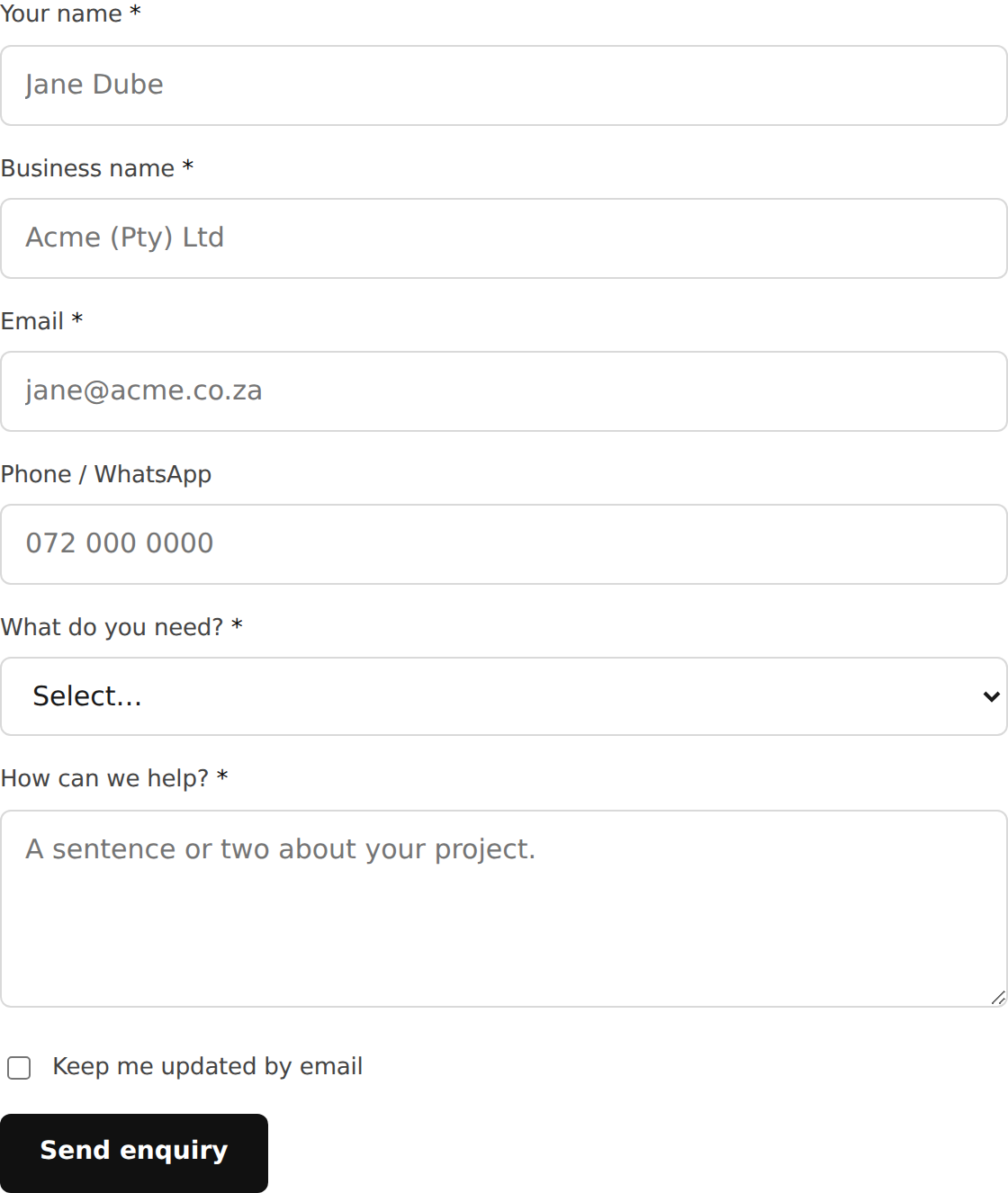
What you get
- One dynamic form, any page. The same
[keno_form]shortcode or block works everywhere and automatically records the page each lead came from. - Analytics built in. Every form fires
kf_form_view,kf_form_start, andkf_form_submitto the dataLayer, keyed on the source page and UTMs. - Spam protection. An invisible honeypot plus a submit-timing trap, with an optional Cloudflare Turnstile or reCAPTCHA v3 layer. The checks fail open so a real lead is never lost.
- Your brand, not ours. Colours, fonts, and corner radius are yours to set, with a live preview.
- A simple field builder. Add, reorder, and edit fields with no code.
- Pluggable CRM providers. Keno Sonic, HubSpot, Zoho CRM, and Pipedrive.
- Pluggable email providers. Resend, Brevo, Mailchimp, and native wp_mail.
- Local-first storage. Every lead is saved in WordPress before any provider is called, so an outage never loses a lead.
Try it first
The fastest way to understand Keno Forms is to open the live demo: theme the form, watch it detect the page and UTMs, trip the spam trap, and see the dataLayer events fire.