Spam protection
Keno Forms blocks bots with two invisible signals by default, so most sites need no captcha, no third-party widget, and no friction for real people. For forms that attract heavier, targeted spam, you can add an optional CAPTCHA layer on top (covered at the end of this page).
The two traps
- Honeypot. The form includes an off-screen field that real users never see or fill. Bots that auto-fill every input trip it.
- Timing trap. The form measures how long it took to complete. A submission that arrives implausibly fast (under 2.5 seconds) is treated as automated.
Both are checked server-side before anything is stored or sent, so spam never reaches your CRM, your inbox, or your email provider's quota.
Fail-open by design
A submission is flagged only when it actively trips a trap. Merely lacking a timing value never flags a lead. This means a genuine submission is never silently lost, which matters more for a lead form than blocking every last bot.
Tuning the timing threshold
The default minimum is 2.5 seconds, which suits most forms. Developers can adjust it with a filter:
add_filter( 'kf_min_elapsed_ms', function () {
    return 4000; // 4 seconds
} );
Raise it for long, multi-field forms; lower it for very short forms where a fast genuine submit is plausible.
What a blocked submission looks like
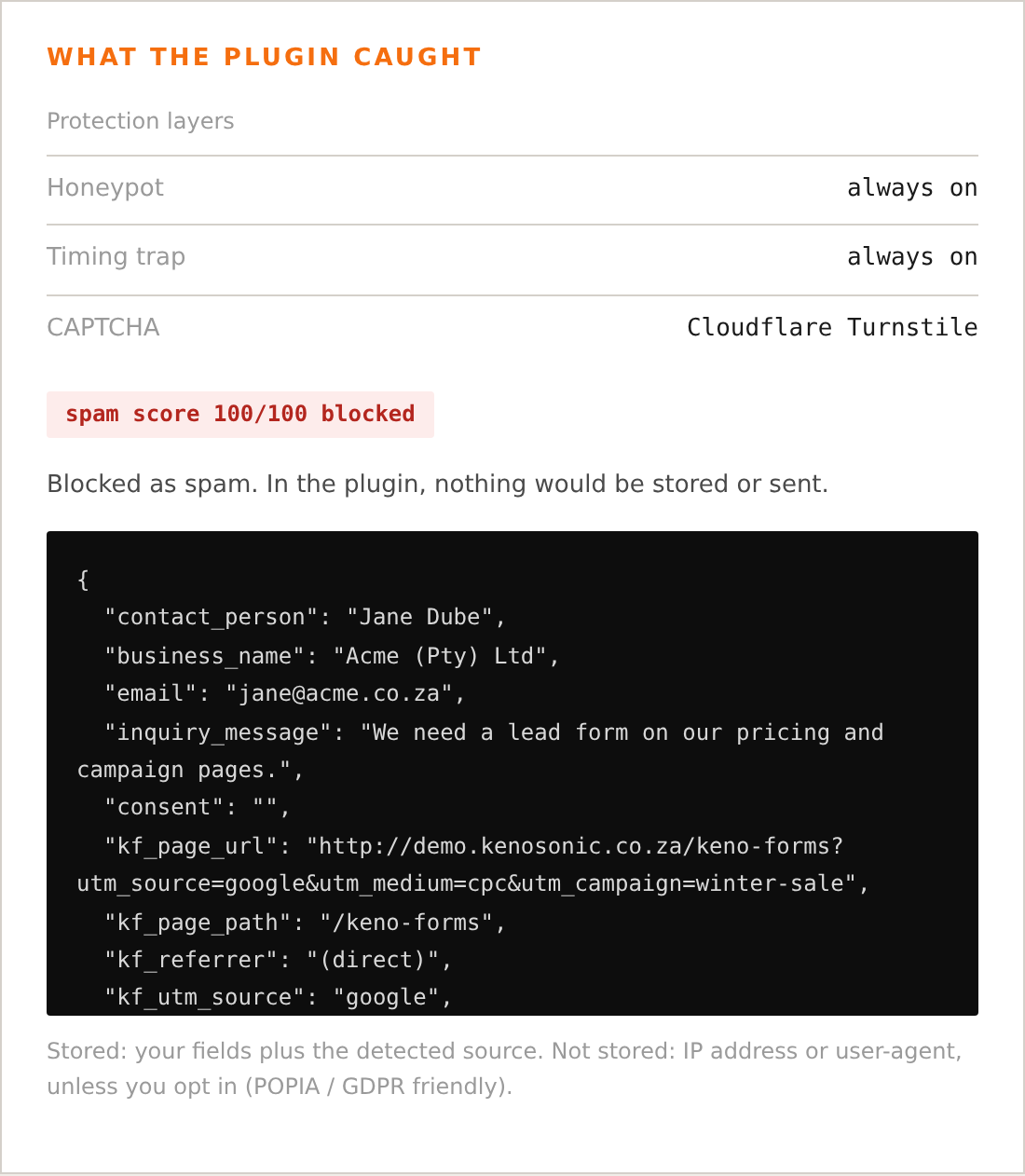
When a submission trips a trap, the visitor still sees a success response (so a bot gets no signal about the trap), but nothing is stored and no provider is called. You can see this behaviour in the live demo using the "Simulate a bot" button.
Optional CAPTCHA layer
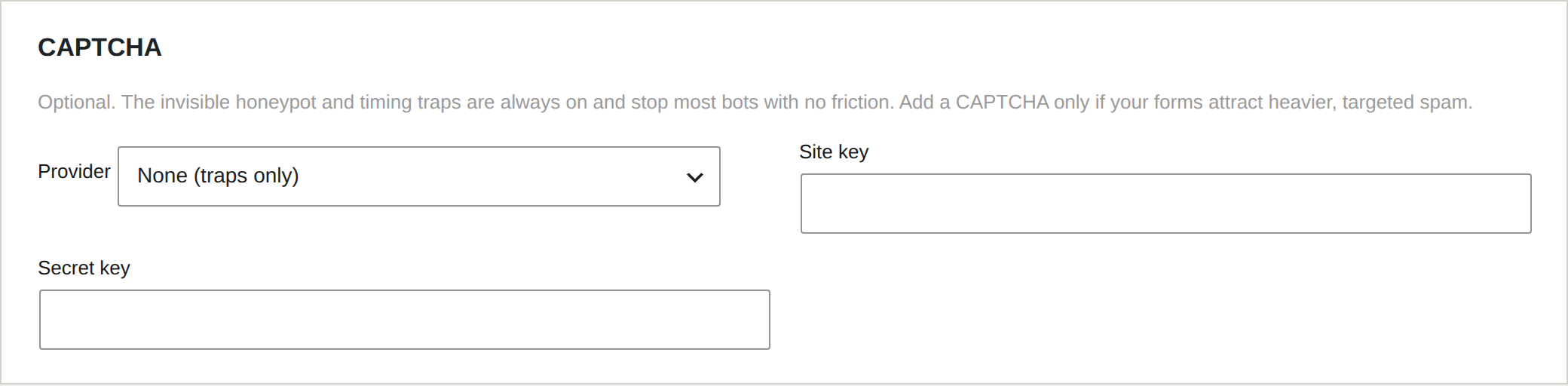
The invisible traps stay on at all times. If a particular form still attracts heavy or targeted spam, add a CAPTCHA on top under Keno Forms > Settings > Security & privacy. Two providers are supported:
- Cloudflare Turnstile (recommended). Privacy-first, usually invisible or a single click, and no personal data sold on. This is the default choice.
- Google reCAPTCHA v3. Fully invisible; returns a score, and Keno Forms
rejects submissions below
0.5. You can tune the threshold with thekf_recaptcha_min_scorefilter.
Paste the provider's site key and secret key into the settings tab and save. The token is verified server-side before a lead is stored or sent to any provider. Verification fails open: if Cloudflare or Google is unreachable, a genuine lead is still accepted (the honeypot and timing traps continue to apply), because losing a real lead is worse than letting one bot through.