Analytics events
Keno Forms pushes structured events to window.dataLayer, so you can build GA4
and Google Ads conversions in Google Tag Manager keyed on the page each lead came
from. If a gtag() function is present, the events are mirrored to it too.
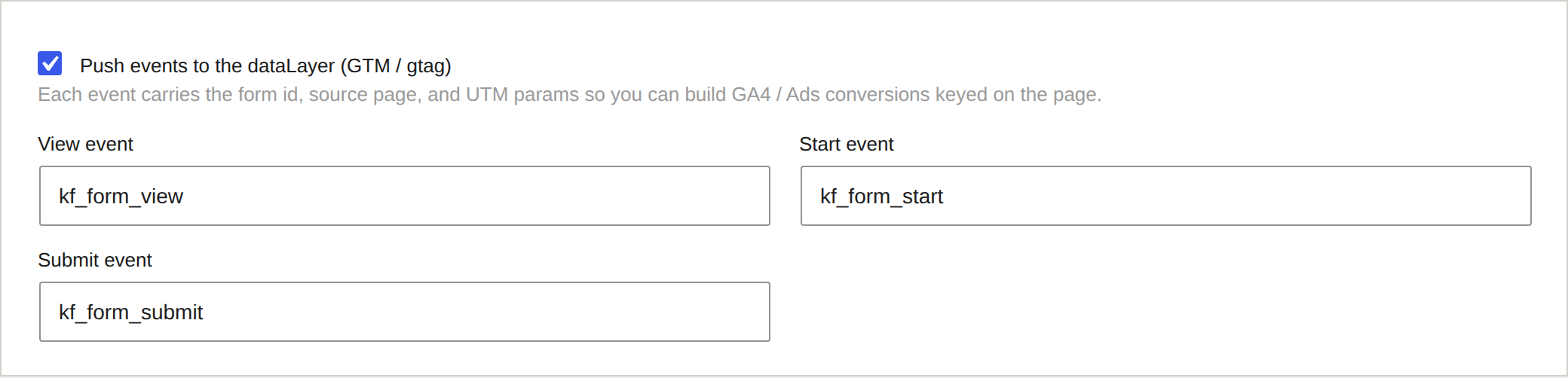
Turn events on or off, and rename them, in Keno Forms > Settings > Analytics.
The events
| When | Default event name |
|---|---|
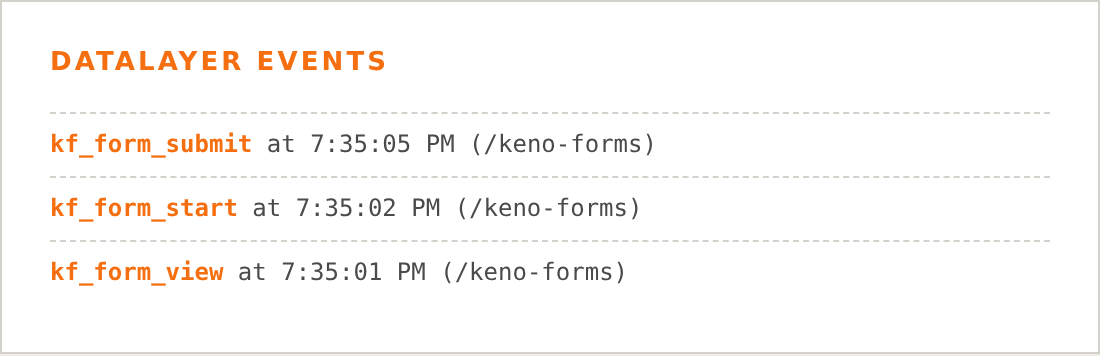
| The form is viewed | kf_form_view |
| The visitor focuses the first field | kf_form_start |
| A submission succeeds | kf_form_submit |
Event payload
Each event carries the context you need to segment conversions:
{
  event: "kf_form_submit",
  form_id: "default",
  source_page: "/pricing",
  page_url: "https://example.com/pricing?utm_campaign=spring",
  utm_source: "google",
  utm_medium: "cpc",
  utm_campaign: "spring"
}
Setting up a GA4 conversion in GTM
- In Google Tag Manager, create a Custom Event trigger with the event name
kf_form_submit. - Create a GA4 Event tag (event name, for example,
generate_lead) that fires on that trigger. - Pass
source_pageand theutm_*values through as event parameters using dataLayer variables. - In GA4, mark the event as a key event / conversion.
Because source_page is on every event, you can compare conversion rates by
landing page and campaign directly in GA4.
Consent
Keno Forms only pushes to the dataLayer. It does not set marketing cookies or load Google tags itself, so it sits cleanly behind whatever consent setup your site already uses (for example, Google Consent Mode configured in your tag manager).